
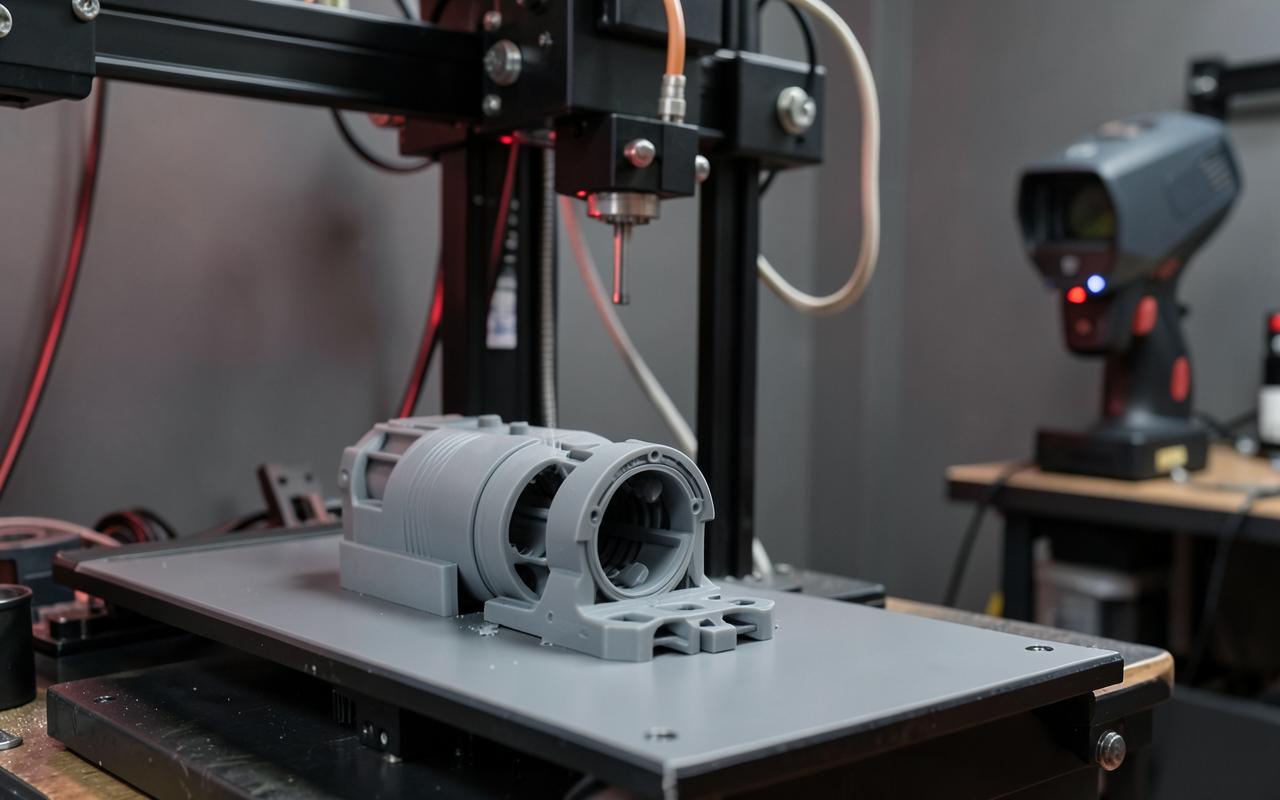
3D printing quote
Online 3D printing with an instant price
Upload your model or create it from an image with AI. We print on a Bambu Lab H2C in Valencia.
Create your account to price your 3D print
Loading…
We answer your doubts
Frequently asked questions
Which printer do you use?
We print in Valencia on a Bambu Lab H2C (FDM). Maximum build volume 330 × 320 × 325 mm; 325 × 320 × 320 mm with a single nozzle and 300 × 320 × 325 mm for simultaneous dual printing. If your part doesn't fit, we'll tell you and split it.
Can I quote several parts or files at once?
Yes. Upload several STL, 3MF or OBJ files or a ZIP. Place them on the same plate or on separate plates, and set the scale, orientation, material, colour and quantity of each part. You'll see a per-part breakdown and the total.
Do you offer multicolour printing?
Yes. With multi-part 3MF or OBJ files you can assign a colour to each part and preview it before ordering.
How is the price calculated?
Instantly, from your model's real volume, the material, resolution, number of walls (2 by default, 1 to 10), infill, quantity and whether it needs supports and support removal. Minimum order €15. All prices + VAT.
Which materials do you have?
PLA (standard, matte and tough), PETG, ABS, ASA, flexible TPU, polycarbonate (PC) and carbon-fibre filaments (PLA-CF, PETG-CF, PAHT-CF).
What if I don't have a 3D model?
Create one from an image with our Product configurator: €3 + VAT to quote without download or €10 + VAT with STL download. If you created it for €3, downloading it later costs the difference: €7 + VAT.
Is the online price final?
It's an approximate estimate and may vary depending on the part. Once we receive your request, a real person at Archicercle calculates it with the actual slicer and confirms price and lead time by WhatsApp or email before you pay.
Can I keep my quote as a PDF?
Yes. Every request generates a PDF with the breakdown, saved to your account and retrievable with its quote code.
What's the difference between Standard and Advanced mode?
Standard asks only for the basics (file, material, colour and quantity) with recommended settings. Advanced opens every parameter: walls, infill, resolution, supports and removal, scale, file units and orientation of each part.
How do plates work?
Each plate is one print on the machine bed. Keep all parts on one plate or move parts to new plates, for example to separate materials or colours. Pricing is per part and you'll see a summary for each plate.
How do I use the 3D viewer?
Drag to rotate, scroll or pinch to zoom and pan with two fingers or right-click. The part sits on a transparent plate at real scale, so you can check its size in mm, the base face and whether it fits the machine.
Can I change the part's orientation?
Yes, in Advanced mode you can rotate it to choose the base face. Good orientation reduces supports, improves finish and can lower the price.
My file looks huge or tiny — what should I do?
Some programs export in inches or centimetres. Change the file units (mm, cm or inches) or that part's scale and the viewer shows the correct size instantly.
What are walls and infill for?
Walls are the outer perimeters: more walls (1 to 10, 2 by default) add strength and watertightness. Infill is the inner density: low for light decorative parts, high for mechanical parts. Both change material, time and price.
When do I need supports?
When the part has overhangs or floating sections. Turn them on and choose whether we remove them in the workshop or deliver the part with supports for you to remove.
How do I choose colours?
You can only pick colours that really exist for each material. For multi-part files (3MF or OBJ) assign a colour to each part and the viewer shows it in real time.
Does a better image help when creating the model?
The cleaner the image, the better the 3D model: the whole object in sharp focus, even lighting without harsh shadows and a background as plain as possible (white or neutral).
Can't find your answer? Write to us and we'll reply within one business day.